Dual Column Nutrition Labels: Stop Misreading Per Serving
Dual-column Nutrition Facts can quietly double your logged calories if you grab the wrong column. Learn how to spot “per serving” vs “per package,” do the quick math, and log packaged foods accurately without overthinking it.
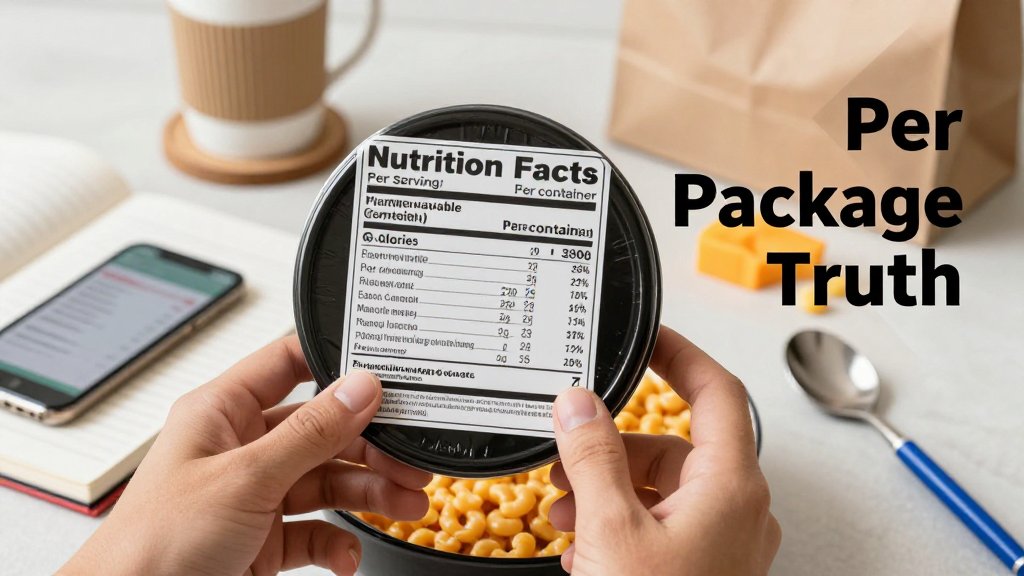
You log a snack, feel good about staying on track, then realize later you accidentally used the “per container” numbers instead of “per serving.” Dual column nutrition labels can quietly double your calories and macros, which makes your food log look accurate while your results stall. In this article, you will learn a simple, repeatable way to choose the correct column every time, spot serving size traps fast, and record calories, protein, carbs, and fat with confidence.
What dual-column nutrition labels really mean
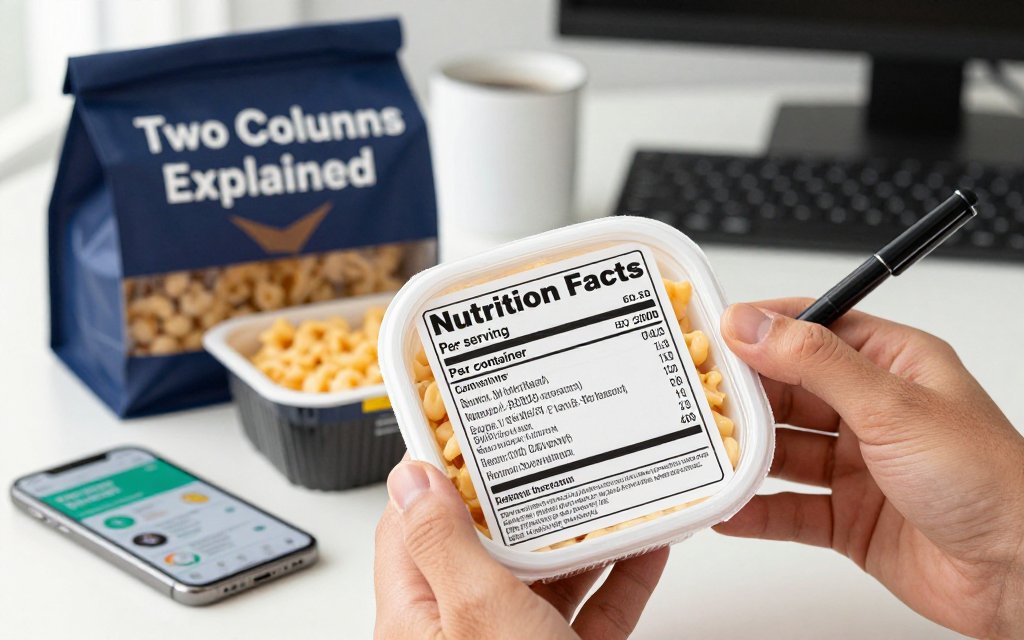
You grab a “single” microwavable mac and cheese bowl at lunch, crush it at your desk, and later you log the calories as one serving because you ate one bowl. Totally normal. The problem is that plenty of bowls, bottles, pouches, and snack bags are labeled as 2 servings (or more) even though most people finish the whole thing. If you log only one serving, your calorie and macro totals can be off by hundreds of calories and a meaningful chunk of carbs, fat, and sodium. That gap adds up fast across a week, especially if you are trying to lose weight or hit a protein target consistently.
A dual-column Nutrition Facts label is the label format that tries to solve that exact problem. Instead of showing nutrition numbers in only one way, it shows two columns side by side: one set of numbers for “per serving,” and a second set for “per package” (or “per container” or “per unit”). The reason is simple: some foods are bigger than one serving, but realistic enough that you might eat them in one sitting. The FDA explains this concept in its serving size basics, and the top of the label is designed to nudge you to check servings before you assume anything. (fda.gov)
Here is the mental rule that keeps you from misreading the whole label: choose the column that matches what you actually ate. Not what you planned to eat. Not what you wish you ate. What you actually ate. If you ate the entire package, your “truth” is the per package column. If you ate half, your “truth” is usually the per serving column (assuming the serving size is truly half), or you log half the package in your tracking app. For a quick visual scan, imagine drawing three bright boxes on the label, top to bottom, so your eyes land on the right details first.
The two columns are not two opinions
Dual-column labels can feel confusing because the numbers do not match, but they are not arguing with each other. They are answering two different questions. “Per serving” means the calories and nutrients in the serving size listed at the top (for example, 1 cup or 113 g). “Per package” means the calories and nutrients in the entire container. Both can be true at the same time. Picture a microwavable mac and cheese bowl that lists 2 servings per container. One column might show 260 calories per serving, while the other shows 520 calories per package. If you finish the bowl, 520 is the number that should land in your food log.
This matters for more than calories. That same bowl might show 11 g fat per serving and 22 g per package, or 650 mg sodium per serving and 1,300 mg per package. If you are tracking macros, the “wrong column” mistake can quietly wreck your day: you think you have room for an afternoon snack, but you are already over your calorie target, or you think you are low on carbs post workout, but you actually already had the full carb load. Dual columns exist because real people eat real portions, and the label is trying to meet you where you are. (fda.gov)
The fastest way to pick the right column
Use this no-math shortcut and you will be right most of the time. Step 1: look at the serving size (both the household measure and the grams). Step 2: look at servings per container, then decide what fraction you actually ate, like all, half, or shared. Step 3: use the column that matches your fraction. If you ate it all, use the per package column. If you ate half, use per serving if one serving truly equals half the package, or log 0.5 package in your tracker. The most common trap is assuming “one package” equals “one serving,” especially with bowls, bottles, and snack-size bags.
> Dual-column labels are a portion reality check. Before you log, decide if you ate the whole package, half, or shared it. Then use the matching column so your calories, protein, and carbs line up with what you actually ate.
Once you get used to this, your tracking gets easier, not harder, because you stop doing mental gymnastics. If you are using a food recognition logger like CalMeal, the best habit is to match your entry to the portion you finished. Scan the top of the label first, then confirm you picked the right column before you hit save. This also helps on training days when you are hungry and moving fast. If you want a practical example of what to record after lifting or cardio, pair this label habit with post-workout nutrition logging tips so your calories and macros reflect what your body actually used. (fda.gov)
Per serving vs per package calories, do the math once
Here is the habit that makes dual columns feel effortless: decide what you actually ate first, then match your log to that amount. If the label shows 210 calories per serving, 2 servings per container, and 420 calories per package, you do not need to “recalculate” every time. You just pick the column that fits your real life. The best part is that macros follow the exact same math as calories. If one serving is 210 calories and 7 g protein, eating the whole package means 420 calories and 14 g protein. Once you get used to thinking “servings eaten,” the label stops feeling like a trick question.
One quick nuance: small mismatches can happen because Nutrition Facts numbers are allowed to be rounded. That is why you might see per serving calories that do not multiply perfectly into the per package column, or why 1 serving looks “too neat” as a number. The FDA publishes specific rules for rounding calories and nutrients, for example calories above 50 are generally rounded to the nearest 10 calories, and calories at 50 or less are rounded to the nearest 5 calories, which you can see in the FDA rounding rules table. (fda.gov) The practical takeaway: if your log is off by 5 to 10 calories due to rounding, you are still doing it right.
Packaged food calorie math in 3 common situations
Situation 1, you eat the full package: log the per package column and move on. Using the easy example, 210 calories per serving times 2 servings per container equals 420 calories per package, so you log 420. If the label also lists 9 g fat, 30 g carbs, and 7 g protein per serving, the whole package is double: 18 g fat, 60 g carbs, and 14 g protein. This is the moment dual columns were made for, because a “single snack” often is the entire bag, cup, or bottle. If you find yourself regularly finishing it, treat per package as your default number, not a special case.
Situation 2, you eat a fraction of the package: pick one method and repeat it every time. Example: a bag of chips shows 150 calories per serving and about 3 servings per bag, so the package is about 450 calories. If you eat half the bag, you log about 225 calories. You can get there two ways: half of the per package number (450 divided by 2) or 1.5 servings times 150. Macros scale the same way, so half the bag also means half the protein, carbs, and fat listed for the whole bag. Busy professional tip: snap a quick photo before you toss the wrapper, then log later, but add a note like “ate half” or “ate 1.5 servings” so you do not guess at night.
Situation 3, you eat multiple packages: use the per package number as your unit and multiply. If one bottled smoothie is 280 calories per bottle, two bottles over a long commute is 560 calories. If one ramen cup is 380 calories per cup, two cups is 760 calories. This sounds obvious, but it is where people accidentally undercount by logging “1 serving” when they really had “1 package,” twice. A clean mental shortcut is to say it out loud: “I had two packages, so I log two packages.” Then do the same for macros. If one bottle has 12 g protein, two bottles is 24 g protein, even if the label also lists protein per serving in a smaller column.
If you only remember one rule, make it this: log what you ate, not what the label suggests you “should” eat. Packages are sneaky. Your tracker only needs the amount you actually finished.
Table: quick logging examples that prevent double counting
Use the table below as a fast “sanity check” before you hit save. The goal is to prevent double counting (logging per serving and per package for the same food) and to prevent undercounting (logging one serving when you ate the whole thing). A simple trick inside CalMeal is to enter the per package calories as a single custom item the first time you buy a go-to snack, then reuse it. Pairing food logging with movement logging also helps you spot patterns, so consider adding walking pad weight loss step logging to your routine if your day is mostly desk time.
| Item | Ate | Log |
|---|---|---|
| Chips bag | Half bag | 225 kcal |
| Ramen cup | Whole cup | 380 kcal |
| Granola bars | Two bars | 380 kcal |
| Smoothie bottle | Whole bottle | 280 kcal |
| Ice cream pint | Whole pint | 1000 kcal |
After you choose calories, treat macros like they are attached to that same “multiplier.” Half a package means half the calories and half the grams of protein, carbs, and fat. Two packages means double everything. If your numbers do not line up perfectly, rounding is usually the reason. For example, a label might show 210 calories per serving because it rounded up from 206, while the per package column might be calculated and rounded a little differently. Your best play is consistency: pick per package when you finish it, pick a fraction when you do not, and do not let tiny rounding gaps derail the bigger win, which is logging reliably. For health concerns or medical nutrition needs, check with your doctor or a registered dietitian.
Servings per container confusion, the sneaky traps
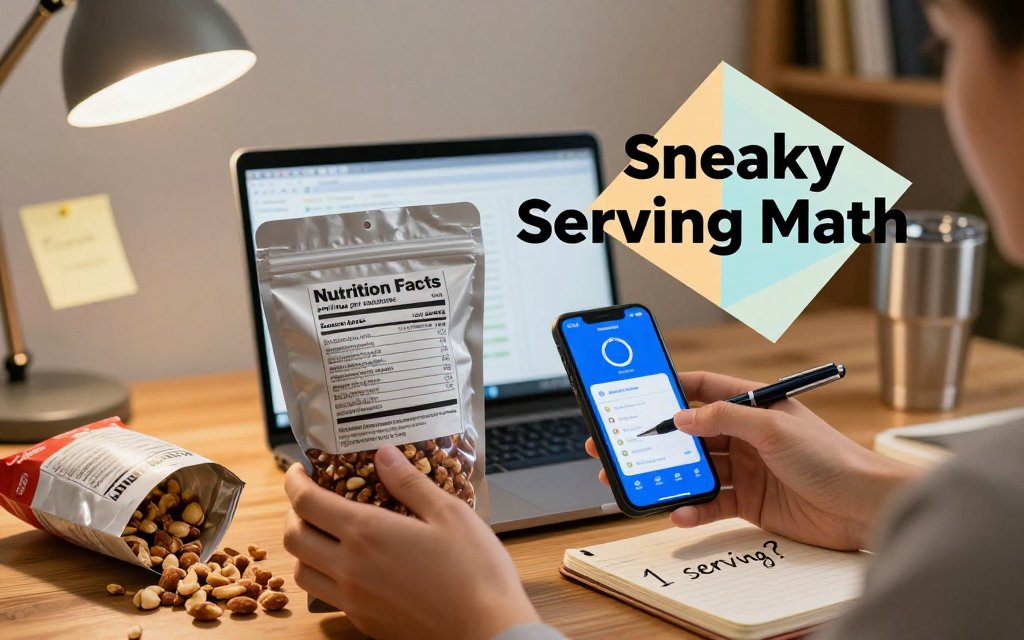
Picture this: you grab a “healthy” resealable bag of trail mix for your desk. You eat some while answering emails, seal it, come back later, and do it again. At the end of the day the bag is empty, but in your tracker you logged “1 serving” because it felt like one snack. That is exactly the trap. The top of the Nutrition Facts panel is quietly telling you the truth, but your brain is reading the package like it is a single item. If you want a quick refresher on why that top line matters, the FDA label reading guide literally says to check servings per container first.
Products that trick even experienced trackers
The biggest offenders are packages designed to look “done in one sitting,” especially when they are easy to carry, easy to reseal, or shaped like a personal portion. A 3.5-serving bag of trail mix is a classic: the label might say 160 calories per 1 oz (28 g) serving, but the whole bag is 3.5 servings, which is 560 calories if you finish it. A bottle of juice that claims 2.5 servings can hit the same way: 110 calories per 8 fl oz looks fine, but if the bottle is 20 fl oz and you drink it all, you are closer to 275 calories, not 110. Your log is not “wrong,” it is just incomplete.
Frozen foods can be extra sneaky because the product name does part of the misleading for the label. A “mini” frozen pizza often looks like one personal pizza, but many are labeled as 2 servings. If the label says 350 calories per serving, that “mini” can be 700 calories if you eat the whole thing (which most people do because it is one pizza). The common mistake is logging “1 pizza” as “1 serving,” then wondering why progress slows even though you are being consistent. Consistency is good, but consistent under-logging is still under-logging.
Then there is the cookie sleeve problem: the serving size says 2 cookies (maybe 140 calories), but the sleeve holds 12 cookies. If you eat 6 cookies while watching a show, that is 3 servings, about 420 calories, plus macros that add up quickly. This is where dual-column labels help when they exist, but many packages still rely on the tiny “servings per container” line, sometimes with odd numbers like 2.5 or 3.5. Food companies are not guessing, they are using the math of weight and serving size, but the packaging design makes it feel like one unit.
> If a package looks like one item, assume it is a trap until you check two numbers: serving size in grams and total grams in the package. Do that quick math once, then log what you actually ate with confidence.
One simple audit that catches most errors
Here is the audit that fixes most of this in under 10 seconds: compare grams per serving to total grams in the package. Ignore the “vibes,” trust the weights. If the serving size is 30 g and the package is 150 g, that is 5 servings, even if the bag is marketed as a snack. If one serving is 160 calories, the full bag is about 800 calories (160 x 5). This is also gold for macro tracking: if one serving has 9 g of fat, eating 3 servings without noticing turns into 27 g of fat, which can crowd out the rest of your day fast. Packaged foods at least give you the math, while restaurant and deli items can be even harder because you often do not get a reliable total weight.
One more sanity saver: do not let rounding make you feel gaslit. Labels can round calories and grams, and the actual package weight can vary slightly. So if a bottle says 110 calories per serving and 2.5 servings, you might expect 275 calories, but a dual-column total could show something like 280. That does not mean your math is broken, it usually means the per-serving number was rounded, then the per-container total was calculated from a more precise underlying value. Treat small gaps as normal noise, then focus on the big wins: stop logging “1 serving” just because it is “1 bag,” “1 bottle,” or “1 pizza.” Your results will make a lot more sense when your log matches what you actually ate.
Nutrition label rounding rules, why totals do not match
If you have ever multiplied “calories per serving” by the number of servings and felt like the package is gaslighting you, you are not alone. Nutrition Facts numbers are not always exact decimals, they are consumer-friendly, rounded numbers. That rounding happens for calories and for macros like fat, carbs, and protein. The catch is that rounding is done per serving, so the tiny “rounding bump” can repeat when you multiply. Dual-column labels help by showing a per package number that is usually closer to what you actually ate if you finished the whole container.
The FDA allows specific rounding rules, which is why you will see jumps like 0 g to 1 g, or 88 calories to 90 calories. For example, calories can be shown as 0 when they are under 5 calories per serving, rounded to the nearest 5 calories when they are 50 calories or less, and rounded to the nearest 10 calories when they are above 50. Similar cutoffs exist for fat, carbs, sodium, and other nutrients. You can see the full table in FDA rounding rules in Appendix H.
Here is how rounding shows up in real logging. Imagine a snack bag that is “about 3 servings.” The lab-tested value might be 88.6 calories per serving, but the label rounds that to 90. If you multiply 90 x 3, you get 270. Meanwhile the manufacturer might calculate the per package total using unrounded numbers, then round once at the end, which could land at 265 calories per package. Neither number is “lying,” they are just rounded differently. In a tracker, your goal is consistency, not perfection down to a single calorie.
FAQ: Do I multiply calories or trust the per package column?
Trust the per package column if you ate the entire package and the label provides that column. Log the per package calories (and macros) because it already accounts for the manufacturer’s rounding approach. This matters most for low-calorie foods where rounding is a bigger percentage of the total, like “5 calories per serving” sprays, sugar-free candies, or mini snack packs. Over a week of logging, picking the per package column can reduce small errors that otherwise add up quietly in either direction.
FAQ: Why does 3 servings x 90 calories not equal 270?
Because you are multiplying a rounded number. If the true value is 88.6 calories per serving, the label may round it to 90. Multiply that rounded 90 by 3 servings and you get 270. But the per package total might be calculated from unrounded values first: 88.6 x 3 = 265.8, then rounded to 265 or 270 depending on the product and the rounding step. If you ate all 3 servings, use the per package column. If you only ate some, accept small variance.
FAQ: How should I log when I only ate part of the package?
You have two good options. Option 1: log servings eaten using the per serving column. If a serving is 28 g and you measured 40 g, log 1.43 servings (40 ÷ 28). Option 2: log a fraction of the package using the per package column. If you ate about one-third of a bag, log 0.33 of the per package calories and macros. In CalMeal or any tracker, a kitchen scale is the fastest fix for “handful foods” like chips, trail mix, and cereal.
Practical takeaway for your next grocery run: if the label has dual columns and you finished the container, pick per package and move on. If you ate a partial amount, choose either servings or fractions and be consistent with the method you use. Do not let a 5 to 15 calorie mismatch derail your day, because water shifts, cooking methods, and portion estimates can easily exceed that. The win is building a reliable pattern over weeks. If you have a medical condition or are following a prescribed diet, check in with your clinician or a registered dietitian for personalized targets.
Ready to stop second-guessing labels and start tracking your nutrition today? Download CalMeal for free and take the guesswork out of calorie counting with AI-powered food recognition. Snap a photo, log faster, and stay consistent with your goals. Get CalMeal on iOS or Android, then start your next log with confidence.
Start Tracking Your Nutrition Today
Download CalMeal for free and take the guesswork out of calorie counting with AI-powered food recognition.